Connect an agent
Searchata uses one public remote MCP endpoint and browser-based OAuth. The same agent connection can read data from your approved Google and Bing sources.
Before you start
Sign in to Searchata and finish the Google Search Console connection during onboarding. You can then add Bing Webmaster Tools from Sources in the dashboard. Bing is optional and does not change the onboarding flow.
Claude
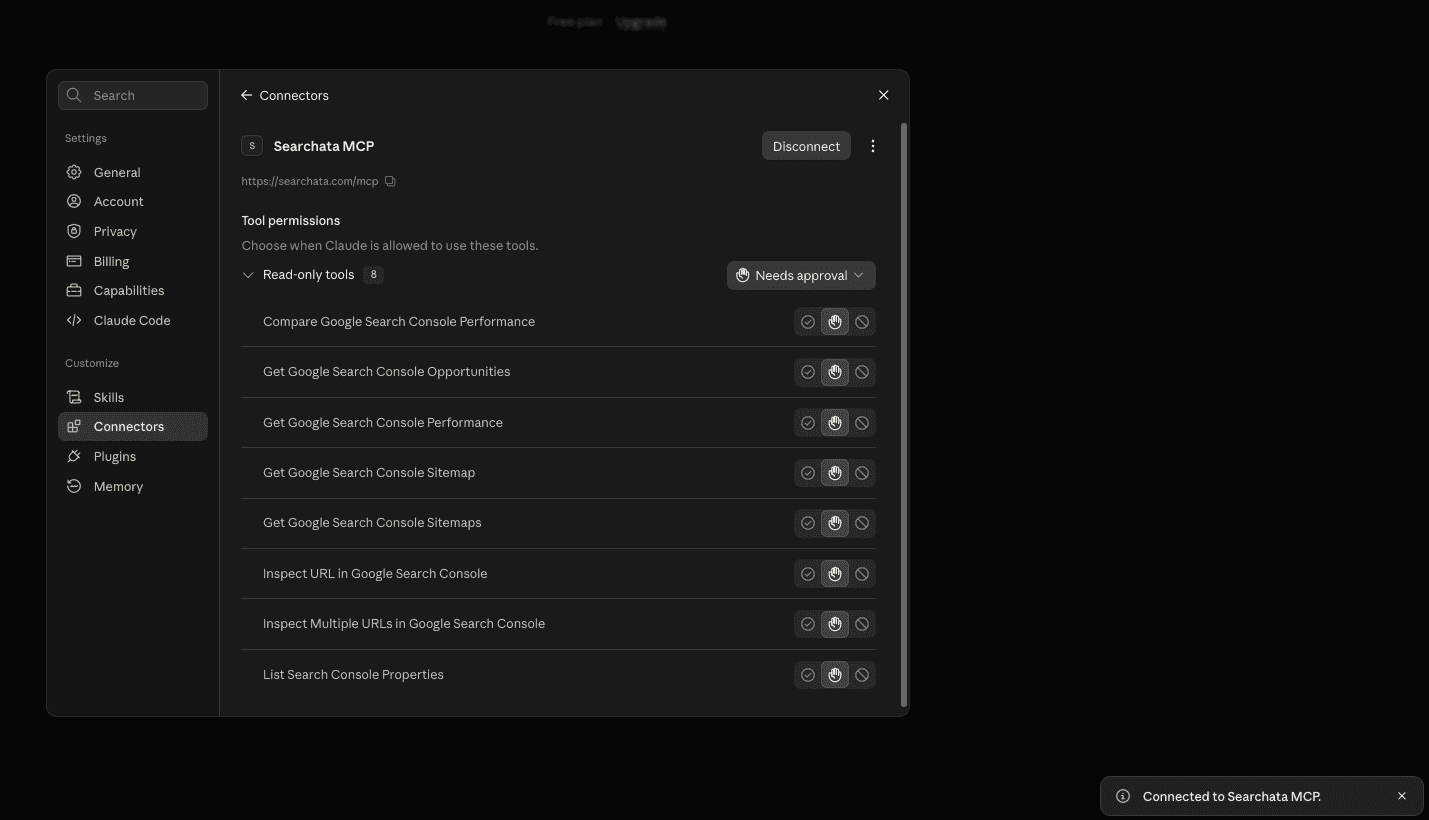
- Open Customize, then open Connectors.
- Select Add custom connector.
- Enter Searchata as the name and
https://searchata.com/mcpas the remote MCP URL. - Keep authentication required. Do not enter a client ID.
- Add the connector, select Connect, and approve the Searchata OAuth request.
View the connected Claude example
ChatGPT
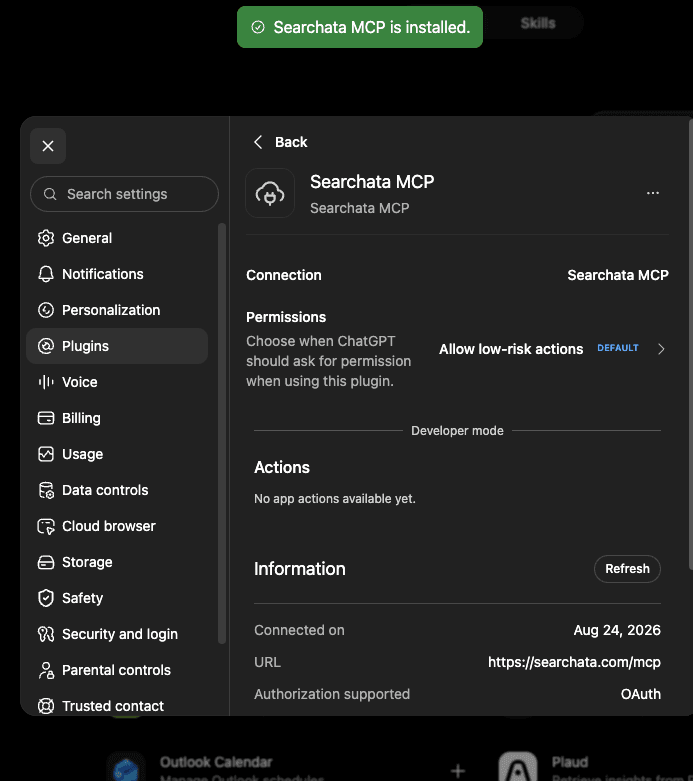
- Open Settings, then open Apps and Connectors.
- Turn on developer mode if ChatGPT requests it.
- Create a connector named Searchata with the URL
https://searchata.com/mcp. - Choose OAuth authentication. Connect and approve access in Searchata.
View the connected ChatGPT example
Codex
Add the remote server, then start OAuth:
codex mcp add searchata --url https://searchata.com/mcp
codex mcp login searchata
Approve the read-only request in the browser. Start a new Codex session if the tools do not appear in the current session.
Claude Code
Add the remote HTTP server at user scope, then start OAuth:
claude mcp add --transport http --scope user searchata https://searchata.com/mcp
claude mcp login searchata
Approve the read-only request in the browser. Start a new Claude Code session if the tools do not appear in the current session.
Disconnect
Disconnect Searchata in the agent to revoke that agent connection. Use the Sources page to disconnect Google Search Console or Bing Webmaster Tools. This stops agent access to that source.
PageSpeed Insights and Chrome UX Report are built-in tools for connected Search Console or Bing sites. They do not require a separate Google account connection. Existing MCP connections need authorization again to approve performance:read.
Google Analytics 4 supports multiple selected properties and Google accounts. Connect an account in Data sources, then select each property to add. Existing MCP connections must be authorized again to approve analytics:read before they can use GA4 tools.
If you added Bing after you connected an existing agent, remove and reconnect the Searchata MCP connector. This lets the agent approve the new bing_webmaster:read scope.
Never send access tokens or authorization codes to support. Send the agent name, the time of the failure, and the visible error instead.